
 ellie.makesnow
Revenue attribution that shows how much your DMs sell
Connect Shopify and see the sales your Instagram, Facebook and WhatsApp DMs bring in, right in your store’s own reports. When your AI agent closes a sale, the order shows up on that customer’s contact too.

Across your social channels



 Meet Alto
Sales
$2,618.00$2,682.00+$64.00
- Sessions
- 1,2841,285
- Orders
- 4142

Which marble run would suit a 4‑year‑old?
This one! Chunky pieces, made for ages 4 and up
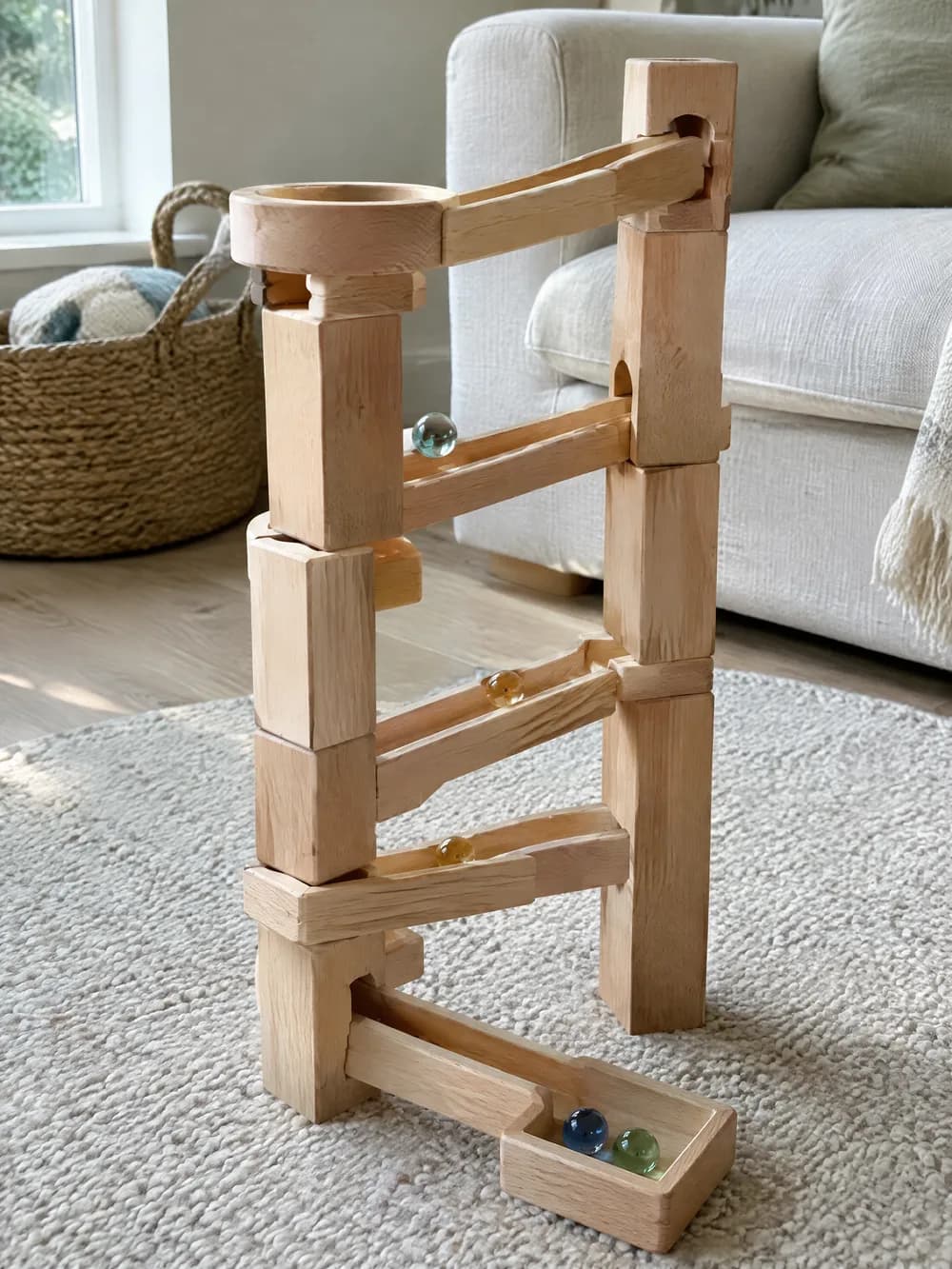 Wooden marble run$64.00 · puddlefern.comShop now
New order #1182Wooden marble run$64.00

How revenue attribution works. From a tap in the DMs to a sale in Shopify.
Share products as buttons and cards in your DMs. Every tap counts toward the post or campaign that started the chat, so you know which content sends people to your store.
When your AI agent recommends a product and the customer buys it, the order appears on their contact with what they spent. You can see which conversation made the sale.
Alto shows up in your Shopify marketing reports beside your other campaigns, with the visits, orders and sales your DMs brought in. Shopify does the counting, so the numbers match the rest of your store.

puddlefern.toys Our tallest marble run yet ✨ Comment RUN and I’ll send you the link
Commented RUN on your Reel
Here’s the marble run, Ellie 👇
| Post | DMs sent | Link clicks | Click rate |
|---|---|---|---|
| Play kitchenReel | 390 | 236 | 61% |
| Marble runReel | 412 | 271272 | 66% |
| Rainbow stackerPost | 205 | 74 | 36% |
Ellie Clicked a link · Marble run Reel
Track sales from Instagram, Facebook and WhatsApp DMs. Wherever your customers start the chat.
Sales from Instagram DMs
Send products to people who comment on your posts or reply to your Stories, or let your AI agent recommend the right one. You’ll see the clicks each post gets, and when your AI agent makes the sale, the order lands on the customer’s contact.
Messenger sales from your Page and ads
People who comment on your Page’s posts and ads get your products in Messenger. Each tap counts toward that campaign, and Shopify shows the visits and orders your Messenger links bring in.
WhatsApp chats that turn into orders
Your AI agent answers product questions on WhatsApp, like sizes, stock and delivery, and sends a button to shop. When they buy, the order shows up on their contact, right next to the chat that sold it.
puddlefern.toys2hBack in stock ✨Send message
Replied to your Story
Is this the tall one? It’s for my nephew 😍
It is! Our tallest run yet, with 20 glass marbles
Wooden marble run$64.00 · puddlefern.comShop nowAva Placed an order · $64.00


Revenue attribution FAQs
Have something else in mind?
Talk to the Alto team.
What is revenue attribution for DMs?
It shows you the sales that start in your DMs. Alto tracks the product links you share in Instagram, Facebook and WhatsApp chats, and with Shopify connected you can see the visits, orders and sales those chats bring in.
How do I track sales from Instagram DMs?
Connect your Shopify store to Alto, then share products as buttons or cards in your DMs. Alto counts the taps, and your Shopify marketing reports show Alto with the visits, orders and sales from your DM links.
Where do I see the sales my DMs bring in?
In Shopify, where Alto appears in your marketing reports beside your other campaigns. In Alto, you’ll see link clicks for each post and campaign, and the orders your AI agent made on each customer’s contact.
Can I see which conversation led to a sale?
Yes, when your AI agent made the sale. If a customer buys after tapping a product your AI agent shared, the order shows up on their contact with what they spent, so you can open the chat that sold it.
Can I see which posts get people shopping?
Yes. Alto shows link clicks and click rate for each post with a comment campaign, and for every campaign, so you know which content sends people to your store.
Do I need to set up UTM links?
No. Links you share as buttons and cards in your DMs are tracked for you, so there’s no spreadsheet of tagged links to keep. If you already tag a link for your own reports, your tags stay as they are.
Does it work on Facebook and WhatsApp?
Yes. Product links are tracked in Instagram DMs, Facebook Messenger and WhatsApp chats, and the visits and orders from all three show up together in Shopify.
Do I need Shopify?
To see sales and orders, yes. Alto connects to your Shopify store for those. Link buttons and cards are tracked for any website you link to.
Is there a free plan?
Yes. Link tracking and click reports are on Alto’s Free plan, and you can connect Shopify on any plan. Seeing orders on the contacts your AI agent sold to is part of Pro, where AI agents are included.